
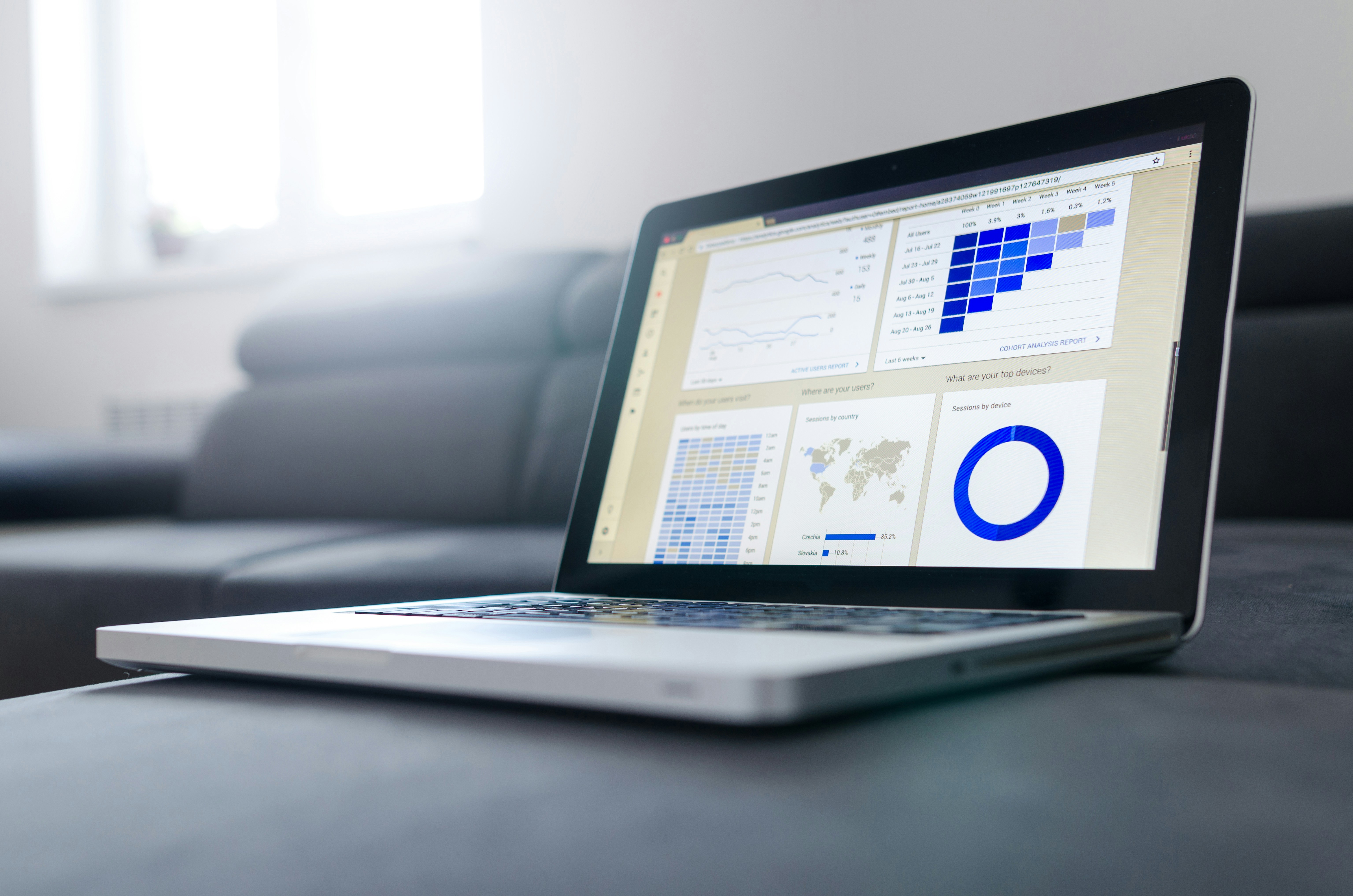
Mastering Sales & Reports on DUKAPAQ: Turning Daily Transactions into Smart Decisions
Running a business without tracking your numbers is like driving at night with the headlights off. You might move forward, but you won’t see what’s coming. That’s where DUKAPAQ’s Sales & Reports section steps in, shining a clear light on how your business is really performing.
Whether you’re managing a single shop or juggling multiple outlets, these tools help you move from guessing to knowing. Instead of relying on assumptions, you gain clarity backed by real data. Let’s break it down.
Getting Started with Sales & Reports
Once you log into your DUKAPAQ dashboard, the first step is navigating to the Reports section from the left-hand menu. This area is designed to give you insight, not just raw numbers. Every figure you see is meant to help you understand what’s happening in your business and why it’s happening.
At a glance, the dashboard presents a snapshot of your performance. You can see your total sales for a selected time period, the number of transactions completed, and the average value of each order. Alongside this, DUKAPAQ highlights your top-selling products, making it easy to spot which items are driving the most revenue. The layout stays clean and focused, so you’re not overwhelmed by unnecessary details.
Understanding Your Sales Performance
One of the most valuable features in the Reports section is the sales graph. This visual representation shows how your revenue changes over time, whether you’re reviewing daily, weekly, or monthly performance.
When sales trend upward, you can clearly see growth taking shape. When there’s a dip, it becomes an opportunity to pause and investigate. The graph helps you quickly answer important questions, such as whether weekends perform better than weekdays, if a recent promotion had any real impact, or how current sales compare to the previous month. Instead of relying on gut feeling, you’re making observations based on clear evidence.
Filtering Reports Like a Pro
Every business operates differently, and DUKAPAQ reflects that by offering flexible reporting filters. These filters allow you to narrow down data so you can focus on exactly what matters most at any given moment.
You can review sales within a specific date range, evaluate performance by individual cashiers or staff members, and analyze how customers prefer to pay, whether through cash, mobile money, or card. For businesses with multiple outlets, reports can also be filtered by branch. This level of control makes it easy to answer targeted questions, such as how a new employee is performing or which payment methods are gaining popularity.
Exporting Reports (Yes, You Can Download Them)
Sometimes, insights need to be shared beyond the dashboard. DUKAPAQ makes this simple by allowing you to export reports in just a few clicks. Once downloaded, these files can be emailed to partners, printed for meetings, or opened in spreadsheet software for deeper analysis.
This feature is especially useful for end-of-day reviews, weekly team check-ins, or monthly planning sessions with managers and accountants. Your data is always ready when you need it.
Using Reports to Make Smarter Decisions
This is where everything comes together. Reports don’t just tell you what happened; they guide you toward better decisions.
By reviewing your sales data, you can identify slow-moving products and adjust pricing or promotions accordingly. You can ensure fast-selling items are restocked before they run out, recognize and reward high-performing staff, and plan future promotions around your busiest sales periods. Over time, this approach helps you move from reacting to problems to planning with confidence.
Wrapping It Up
Sales and reports are the heartbeat of any business, and DUKAPAQ makes them easy to understand and even easier to use. You don’t need an accounting background to benefit from these tools, just a willingness to pay attention to what your numbers are telling you.
So the next time you log in, don’t just process sales. Take a moment to study them. Your future business decisions will thank you.
Happy selling, and happy analyzing!
Written by Kelvin Brian